Profiles
Profiles save steering configurations — feature indices and strengths, plus the model/SAE context they were built for — so experiments are reproducible, shareable, and invocable per-request through the API.
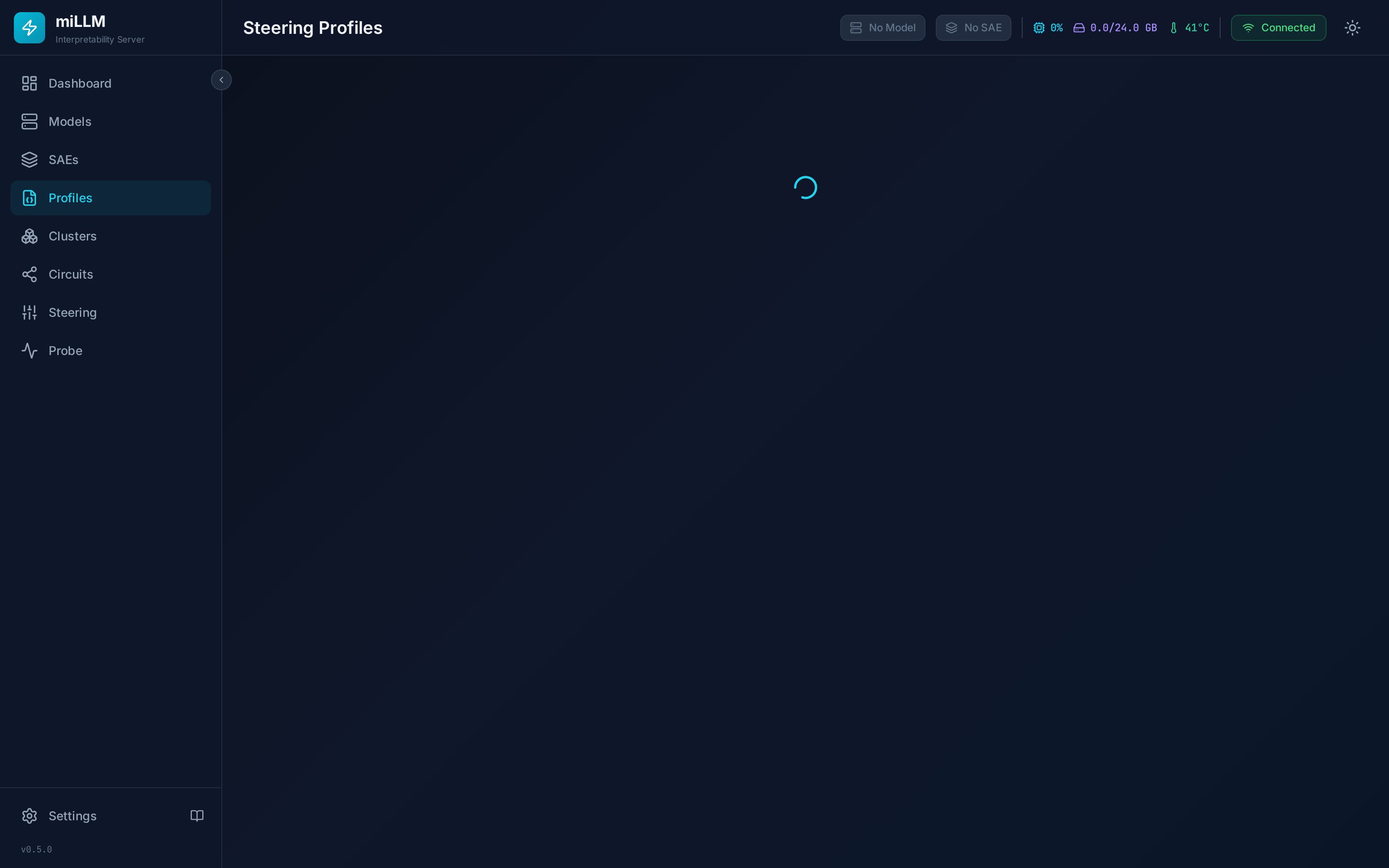
Creating a Profile
- Configure features and strengths on the Steering page
- Click Save as Profile
- Enter a name (unique) and optional description
Or create one directly on the Profiles page, or via POST /api/profiles with an explicit steering map.
Activating & Deactivating
| Action | Effect |
|---|---|
| Activate | Replaces the current steering values with the profile's and enables steering. An SAE must be attached. |
| Deactivate | Clears steering values |
| Edit | Modify name, description, or the feature map |
| Delete | Remove the profile permanently |
Activation is a replace, not a merge — whatever was configured on the Steering page before is cleared first. Activating a profile with an empty steering map is a supported way to switch to a clean, unsteered state.
Profile steering values are validated at activation against the attached SAE: out-of-range feature indices are rejected with a 4xx error rather than partially applied, and validation runs BEFORE any live steering is touched. Strengths are scaled by the profile's intensity dial (λ, default 1.0) and clamped to ±200 at apply time — imported cluster strengths (contract range ±300) times λ can legitimately exceed the steering range, so values clamp instead of rejecting.
Per-Request Profiles (API)
The OpenAI-compatible chat endpoint accepts a profile parameter that applies a saved profile for that single request only, then restores the previous steering:
curl http://localhost:8000/v1/chat/completions \
  -H "Content-Type: application/json" \
  -d '{
    "model": "gemma-2-2b",
    "messages": [{"role": "user", "content": "Describe a city street."}],
    "profile": "dogs-60"
  }'
This is the cleanest way to run A/B experiments from client code: alternate requests with different profiles (or none) without touching global state. Semantics:
- The override is applied inside the request lock, so concurrent requests can't observe each other's steering
- An unknown profile name returns
404 PROFILE_NOT_FOUND; invalid steering in the profile returns400— the request is never silently served with the wrong steering - If no SAE is attached, the request proceeds unsteered (a profile can't steer without a substrate)
- Requests carrying
profilealways use the serial backend (continuous batching shares steering across a batch, so per-request overrides are incompatible with it)
See the Python scripting tutorial for a full A/B harness.
Import / Export
Profiles export as JSON (GET /api/profiles/{id}/export) and import on other miLLM instances (POST /api/profiles/import):
{
  "version": "1.0",
  "name": "honesty-amplification",
  "description": "Amplifies honesty-related features",
  "model": { "repo_id": "google/gemma-2-2b", "quantization": "FP16" },
  "sae": { "repo_id": "google/gemma-scope-2b-pt-res", "layer": 12 },
  "features": [
    { "index": 11859, "strength": 22.8 },
    { "index": 3807, "strength": 15.0 }
  ],
  "exported_at": "2026-03-24T..."
}
Imports are validated — malformed entries are rejected with 400 INVALID_PROFILE_FORMAT rather than silently dropped.
Profiles include model and SAE metadata. Feature indices are only meaningful for the exact SAE they were created with — importing a profile is only useful on an instance with the same model and SAE available.
API
Full endpoint list with examples in the Profiles API reference.